




 Support: (949) 888-2600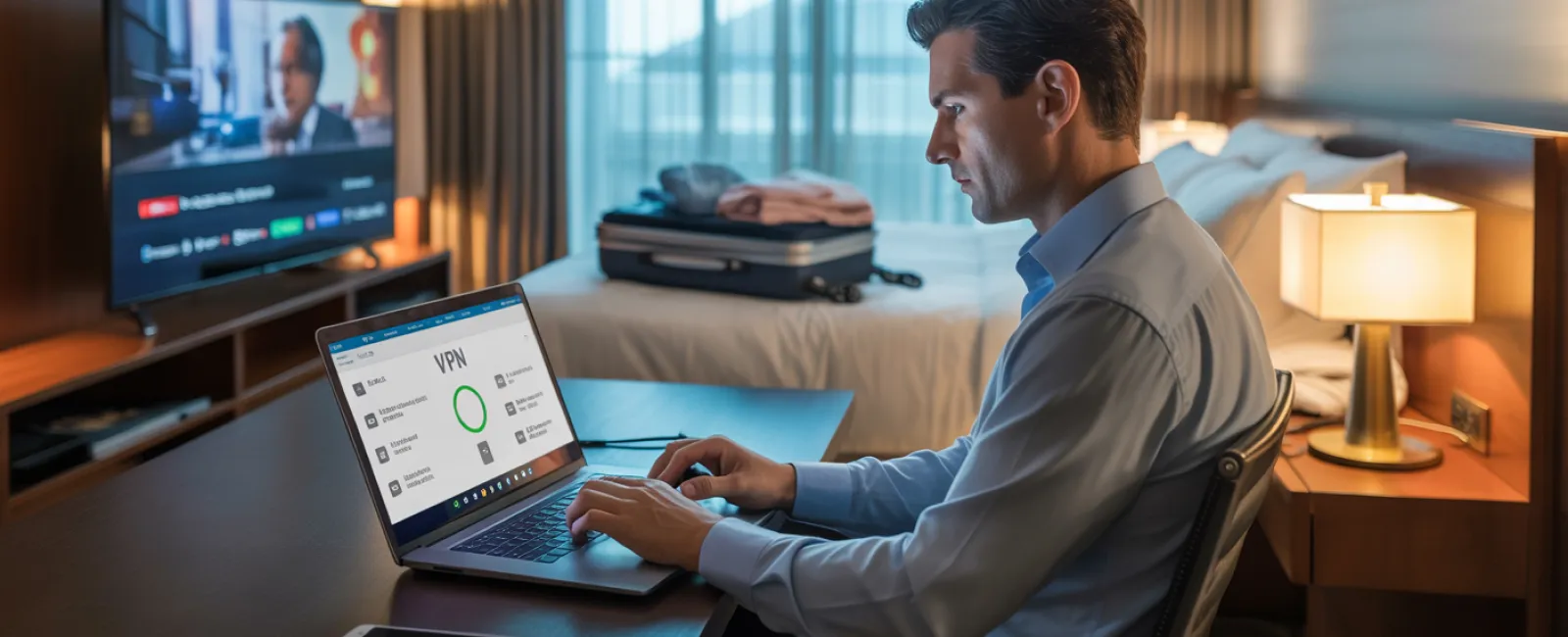
Imagine you're three hours into a five-hour journey to visit loved ones for the holidays. Your daughter asks, "Can I use Roblox on your work laptop?" That laptop holds sensitive client files, financial records, and your entire business's data. You're tired from packing and facing three more hours on the road, and keeping her entertained sounds tempting. But what risks come with this seemingly harmless ask?
Holiday travel exposes you to unique security threats that you wouldn't normally encounter. Distractions, fatigue, connecting to unfamiliar networks, and blending family time with quick work checks create vulnerabilities. Whether your trip is for business, pleasure, or both, here's how to safeguard your data while keeping the holidays joyful and stress-free.
Pre-Trip Essentials: Quick 15-Minute Security Check
Spend just 15 minutes before departure to lock in your security:
Device Fundamentals:
- Update all security patches promptly
- Back up critical files to a secure cloud service
- Set automatic screen locking to activate within two minutes
- Enable "Find My Device" on all phones and laptops
- Fully charge power banks
- Bring your own chargers and adapters
Set Expectations With Your Family:
- Clarify which devices kids are allowed to use
- Provide a family iPad or a separate tablet for entertainment
- Create distinct user accounts on your laptop for kids if needed
Pro tip: If kids need screen time on the road, bring a tablet that's not linked to your work accounts. Investing in a $150 device beats dealing with a costly data breach.
Hotel WiFi: How to Avoid Common Pitfalls
Once checked into the hotel, everyone eagerly connects their devices to WiFi—streaming shows, checking emails, reviewing work documents. But hotel networks are shared among hundreds of guests, some with malicious intent.
True story: A family connected to a fake WiFi network impersonating their hotel's. For two days, the attacker captured everything online — passwords, payment info, emails.
Stay Protected by:
Confirming the exact network name with the hotel front desk—never guess.
Using a VPN for work-related activities to encrypt your connection securely.
Switching to your phone's hotspot when handling sensitive data like banking or client files.
Separating work and play: Kids can stream cartoons on hotel WiFi, but reserve your hotspot for confidential work tasks.
When Kids Ask, "Can I Use Your Laptop?"
Your work device grants access to emails, finances, client data, and business systems, while kids want to watch videos, play games, or chat with friends.
Why this matters: Kids may unintentionally download malware, click on risky pop-ups, share passwords, or forget to log out—innocent but dangerous actions on a work laptop.
Protect Your Data By:
Firmly denying access to your work device—offer an alternate device instead and stick to it.
If sharing is unavoidable:
- Create a separate, limited-permission user account
- Supervise device use closely
- Prevent downloads
- Avoid saving passwords
- Clear browsing history after use
Even better: Travel with a dedicated family device—an older tablet or laptop disconnected from your work systems is ideal.
Streaming on Hotel TVs: Don't Forget to Log Out
Your family wants to watch Netflix during your stay. Logging into your account on the smart TV seems easy, but if you forget to log out before checkout, the next guest gains access.
The risk: Unauthorized users accessing your accounts—and if you reuse passwords, the threat extends to other platforms.
How to prevent this:
- Cast content from your personal device instead of logging into the TV directly
- Set a phone reminder to log out before checkout
- Better yet, download shows to your device before travel and avoid public TVs
Avoid logging into these on hotel TVs:
- Banking apps
- Work accounts
- Email
- Social media platforms
- Any app storing payment details
Lost Device? Act Fast
Travel chaos leads to misplaced devices—in hotels, cars, airports. If your device disappears:
Within the first hour:
- Track it using "Find My Device"
- If unrecoverable, lock it remotely immediately
- Change passwords on key accounts via a secure device
- Notify your IT team to revoke corporate access
- If sensitive info was on the device, inform affected parties
Prepare your device before traveling by ensuring it has:
- Remote tracking enabled
- Strong password protection
- Data encryption enabled
- Remote wipe capability
Device lost by a family member? Follow the same steps to secure their data.
Beware the Rental Car Data Trap
Connecting your phone to your rental car's Bluetooth for music or navigation saves contacts, call history, even text previews. Returning the vehicle without clearing this can expose your data to the next driver.
A quick 30-second step before returning the car:
- Delete your phone from the car's Bluetooth devices
- Clear recent GPS destinations
- Or use an aux cable instead of Bluetooth
The Working Vacation Balance
You promised a family break but find yourself checking emails repeatedly, taking work calls, and working on the laptop while others relax.
This divided attention reduces your vigilance around security—making risky clicks or connecting to unsecured networks more likely.
Here's how to draw boundaries:
- Check work emails only twice daily at scheduled times
- Use your phone's hotspot—not hotel WiFi—for work-related tasks
- Work in private hotel rooms, away from public spaces
- Be fully engaged with family during non-work time
Best practice: Truly unplug during holidays. Your business will survive a short pause, and you'll be more alert after a proper break.
Adopt the Holiday Travel Security Mindset
Juggling work and family during holidays is tricky. Sometimes your child does need your laptop; sometimes you must handle urgent emails on the go. The aim isn't perfect security—it's making intentional risk choices:
- Prep your devices before you travel
- Recognize risky activities (like banking on hotel WiFi) vs. safer ones (using your hotspot)
- Separate work data from family usage whenever you can
- Have an action plan if something does go wrong
- Know when to firmly say, "Not on this device," and stick to it
Keep This Holiday Secure and Joyful
The holidays should be about creating memories—not handling data breaches or client trust issues. A little planning and clear rules protect your business without dampening your family's fun. Everyone wins—your business stays secure, and you enjoy stress-free family time.
Need help crafting travel security protocols for your team and yourself? Click here or call us at (949) 396-1100 to schedule a free 15-Minute Discovery Call. We'll tailor practical policies that guard your business while keeping travel manageable.
Because the best holiday memory isn't "Remember when Dad's laptop was hacked?"


