




 Support: (949) 888-2600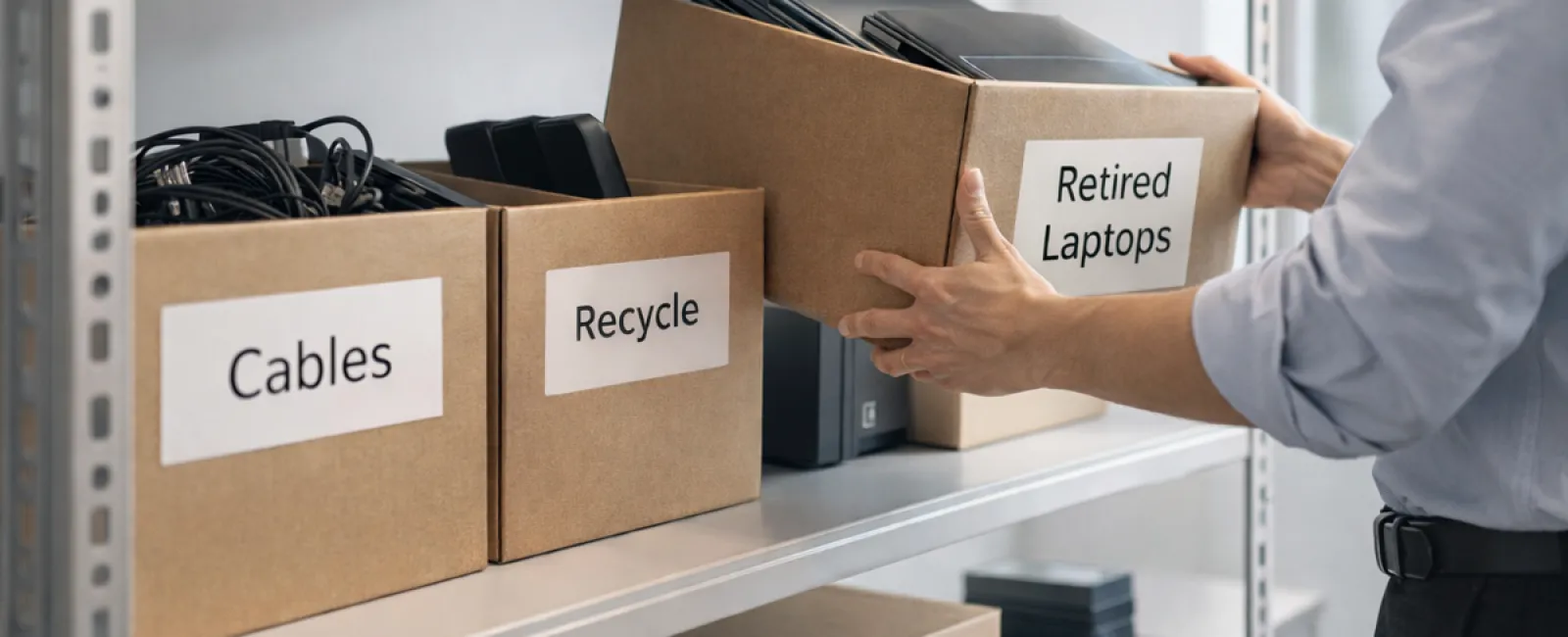
While spring cleaning often begins with organizing closets, the true clutter for many businesses lies elsewhere than just the racks.
It might be on a server rack, but often it's stashed away in storage rooms, back offices, or piled up under the label "we'll tackle this later."
Unused laptops. Outdated printers. Backup drives from several upgrades ago. Cables hoarded "just in case."
All businesses accumulate equipment like this over time.
The real question is not if you have this stuff, but whether you have a clear plan for managing it next.
The Lifecycle of Technology Goes Beyond the Purchase Date
New technology is acquired for a reason—better speed, enhanced security, increased capabilities, or to support growth.
Most companies carefully plan their tech purchases, yet very few map out a strategy for proper retirement.
Equipment retirement is often an afterthought: a device is replaced, set aside, and eventually forgotten until someone decides to free up space.
While common, this approach overlooks the value of retired technology.
Effective retirement treats old tech with the intentionality it deserves, recognizing the residual value, recyclable materials, and sensitive data involved.
Spring offers a great opportunity to assess: what technology still benefits us, and what merely occupies space?
Four Essential Steps to Streamline Your Tech Cleanup
To move beyond vague intentions, adopt this straightforward four-step strategy.
Step 1: Conduct an Inventory
Identify exactly what equipment is up for retirement: laptops, phones, printers, network devices, external drives. You can't optimize what you haven't cataloged, and an inventory often uncovers unexpected items.
Step 2: Determine the Final Destination
Devices usually fall into reuse (internal or donation), recycling (through certified e-waste programs), or destruction (for sensitive data). Deciding intentionally prevents hardware from languishing in storage limbo.
Step 3: Prepare Devices Properly
Discipline at this stage is crucial.
If reusing or donating, ensure the device is removed from management systems, user access revoked, and data completely erased—not just factory reset. Deleting files or quick formats don't permanently erase data; they merely remove pointers.
Research by data security firm Blancco revealed 42% of secondhand drives on eBay still held sensitive information, despite sellers claiming proper wiping. Certified data erasure tools overwrite every sector and provide verification reports.
For recycling, choose certified e-waste vendors; avoid dumpsters or curbside disposal. Note that popular programs like Best Buy's are only for household residents, not businesses.
Businesses should work with IT asset disposition (ITAD) providers or certified e-waste recyclers holding e-Stewards or R2 certifications—both directories are publicly available. Your IT partner can usually assist.
For destruction, use certified wiping or physical methods such as shredding or degaussing, and keep precise records including serial number, method, date, and personnel involved.
This approach is about responsible closure, not suspicion.
Step 4: Document and Finalize
Once equipment leaves your site, document its destination, handling method, and confirm removal of access to avoid any lingering doubts.
Devices Often Overlooked in Retirement
Laptops tend to get attention, but other devices require equal care.
Phones and tablets may still house email accounts, contacts, and authentication apps. While factory resets clear much, certified mobile wipe tools provide comprehensive erasure. Plus, manufacturers like Apple and Samsung offer trade-in programs that might credit your purchase.
Modern printers and copiers often contain internal hard drives storing copies of every print, scan, copy, or fax. Confirm in writing that leased devices returned are thoroughly wiped or hard drives removed before reuse.
Batteries are hazardous waste per the EPA and regulated in many states; throwing rechargeable batteries in regular trash is illegal for businesses. Remove batteries when possible, tape terminals to prevent shorts, and use certified drop-off points. Resources like Call2Recycle.org offer location maps; retailers such as Staples, Home Depot, and Lowe's participate in collection.
External drives and retired servers often linger in storage far beyond intended timelines, but they require the same thoughtful retirement procedures.
Recycling Right: Protect the Planet and Your Business
April's Earth Day is a timely reminder: electronics must not end up in landfills.
The world produces over 62 million metric tons of e-waste annually, yet only 22% is properly recycled. Items like batteries, monitors, and circuit boards belong in certified streams. Many communities offer e-waste options to support responsible disposal.
Managing tech retirement correctly ensures clean operations, environmental stewardship, and strategic advantage. Responsible and secure disposal go hand in hand.
It's also an excellent story to share on your company's channels—customers appreciate when businesses do the right thing quietly and effectively.
Unlocking Broader Potential Through Tech Review
Spring cleaning is more than discarding old equipment: it's about creating room for growth.
While purging outdated hardware is important, take a moment to question whether your technology truly supports your business objectives.
Hardware comes and goes, but software, automation, systems, and process design drive lasting productivity and profitability.
Properly retiring old gear is good housekeeping; aligning technology with your goals propels success.
How We Can Help
If you already have a smooth equipment retirement process, that's ideal—simple and seamless.
But as you replace old technology responsibly, it's smart to widen the scope. Are your systems integrated? Are your tools boosting growth or merely maintaining status quo?
If you want to step back and evaluate how your tech stack, systems, and workflows are enhancing productivity and profitability, we're ready to discuss.
No pressure. No lists. Just practical advice on optimizing technology to benefit your business.
Click here or give us a call at (949) 396-1100 to schedule your free 15-Minute Discovery Call.
If this inspired you, feel free to share it with fellow business owners.
Spring cleaning shouldn't stop at closets—it should include the crucial systems powering your business.


