




 Support: (949) 888-2600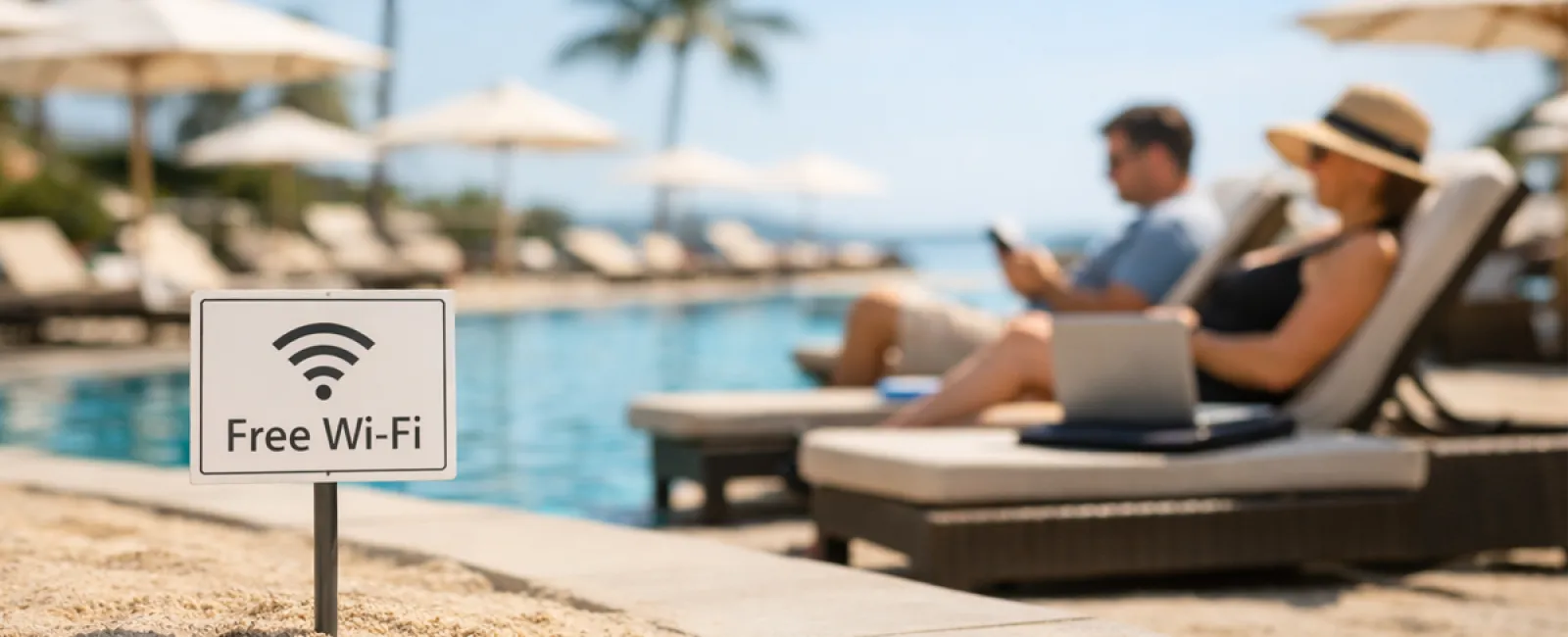
Spring break often gets a bad rap.
Images of college students making questionable choices and stories beginning with "we thought it was a good idea at the time…" are common.
However, adults fall into their own spring break tech traps as well—less loud but just as risky.
You want to be fully present with your family, yet work still lingers. You multitask, telling yourself, "I'll just finish this quickly." That's when problems creep in.
Let's explore the most frequent tech blunders on vacation and how to avoid coming home with unwanted digital baggage.
The "Free Wi-Fi Temptation"
Hotels, cafes, airports—all offer Wi-Fi. You connect instantly to send a quick email before breakfast is done.
The danger: Fake Wi-Fi networks like "HOTEL_GUEST_FREE" operated by someone nearby, capturing all your data including logins and banking info.
The solution: Use your phone's hotspot for sensitive tasks. If public Wi-Fi is necessary, confirm network names with staff.
The "March Madness Streaming Trap"
The big tournament is on, but the hotel shows golf instead. You search for "free March Madness stream" and click the first borderline legit link.
After several pop-ups, something downloads—though you have no clue what. Still, the game is on!
The danger: Malware and browser hijackers from fake sports sites posing as ESPN.
The solution: Always use official streaming apps, and if a URL seems fishy, close the tab immediately.
The "Phone Sharing Regret"
Your child is bored, so you hand over your phone loaded with games to get a moment of peace.
Fast forward 45 minutes, and they've downloaded multiple apps, accepted every permission, and subscribed to "RobuxFreeForever."
The danger: Risky app permissions linking accounts to your email and unexpected in-app charges.
The solution: Bring a separate tablet dedicated for children's entertainment—one disconnected from your sensitive apps.
The "Quick Login" Downward Spiral
One quick email check spirals into hopping through CRM, accounting, client portals, and Slack—all on unsecured hotel Wi-Fi—as your family waits.
The danger: Each login on unsecured networks increases the risk of having your credentials stolen, especially when you're rushing.
The solution: Use your mobile hotspot for work. Or ask yourself if it can truly wait until after vacation.
The "Oversharing Your Location" Mistake
You post a sunny beach photo with location tags and captions like "Here until the 15th! 🌴"
The danger: You broadcast to the internet that your home is empty and you're miles away.
The solution: Share vacation photos after you're home—the paradise will still be there.
The "Low Battery Panic"
You see a USB port, your phone's dying, so you plug in.
The danger: "Juice jacking," where compromised charging stations access your data while charging your device.
The solution: Carry a portable charger and always use your own cable and power adapter.
The "Vacation Password Reuse" Pitfall
You set a quick resort Wi-Fi password like "Beach2026!" and end up using it for several accounts.
The danger: One hacked account compromises them all.
The solution: Implement a password manager to create unique passwords for temporary accounts.
Key Takeaway
These slip-ups don't come from recklessness—they happen because we're distracted, rushed, and eager to enjoy vacation.
That's perfectly normal.
The goal isn't perfection but fewer regrets once you're home.
Planning for Spring Break?
If your business already has strong travel protocols, enjoy your getaway!
If some of these tips hit close to home, a quick 15-Minute Discovery Call may be all you need.
No pressure, no hype—just reliable advice so your vacation truly remains a break.
Not for you? Pass this to someone who could enhance their spring break tech habits.
Click here or give us a call at (949) 396-1100 to schedule your free 15-Minute Discovery Call.


