




 Support: (949) 888-2600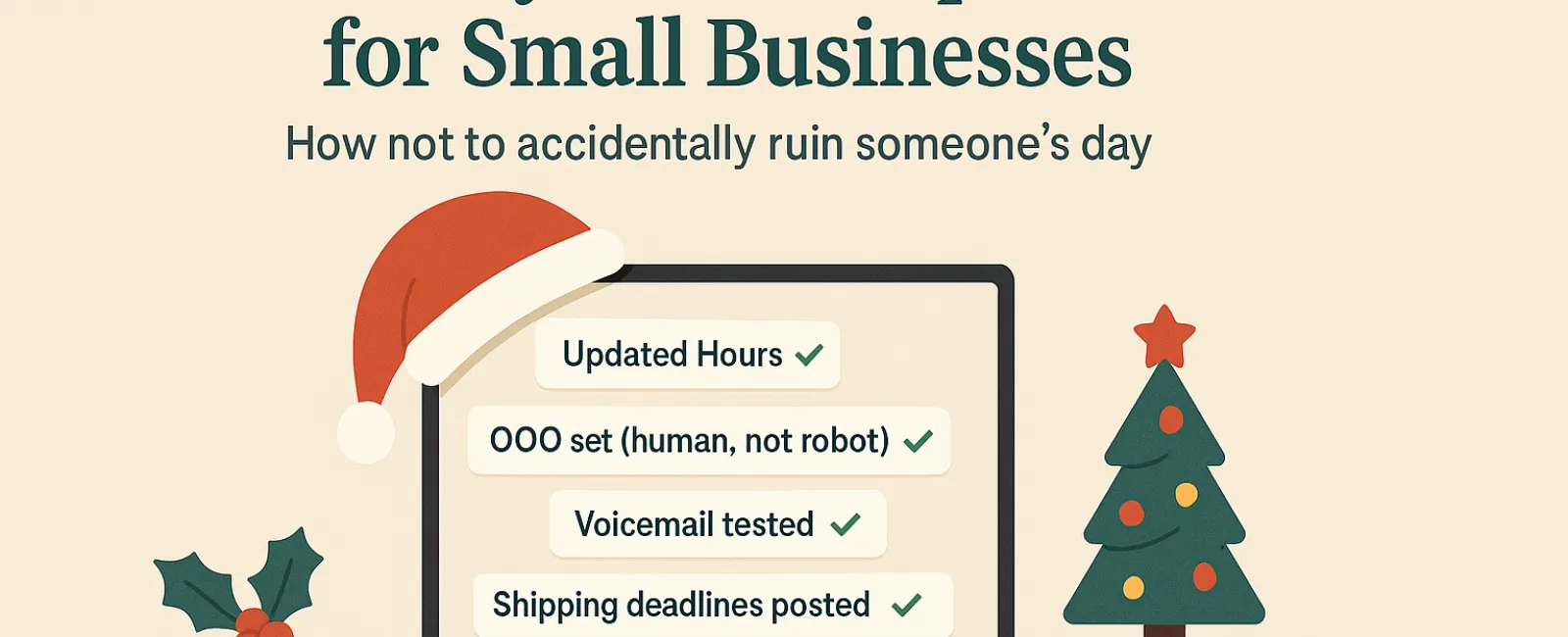
Holiday seasons can be overwhelming, especially when technology adds unnecessary challenges. Your customers are racing to finish last-minute shopping, your staff is balancing family commitments, and expectations are at their peak. The last thing you want is to disappoint anyone due to avoidable tech mishaps.
Consider this your Holiday Technology Etiquette Handbook—because no business wants to be the reason someone's day takes a wrong turn.
1. Update Your Operating Hours Online—Before Frustration Hits
Imagine a customer dashing across town during their break, relying on Google's hours, only to find your business closed. This scenario turns you into their holiday disappointment.
Make sure to update:
- Your Google Business Profile—the primary source for your customers
- Facebook, Instagram, Yelp, and any platform customers use to find you
- Your website banner with a clear and welcoming holiday schedule
- Apple Maps—it's still a popular choice for many
Example message: "Seasons Greetings! We'll be closed from Thursday, Nov. 28 through Sunday, Dec. 1 to enjoy time with loved ones. Regular hours resume Monday morning—turkey hangover and all!"
2. Craft Warm, Genuine Out-Of-Office Messages
If you're stepping away, avoid leaving customers in uncertainty. Your auto-reply should act like a courteous host—professional yet approachable.
Sample auto-reply: "Thank you for contacting us! We're closed for Thanksgiving from Nov. 28 to Dec. 1. We'll get back to you once we're refreshed and back at our desks. For urgent concerns, please call (XXX) XXX-XXXX. Wishing you a joyful holiday season!"
3. Keep Your Out-Of-Office Messages Concise and Professional
Stick to the essentials. Customers don't need a detailed itinerary of who's visiting whom or who's going where. Too much info can be overwhelming and even risky.
Focus on dates, response expectations, and alternative contact options. Save personal stories for your social channels.
4. Ensure Your Phone System is Holiday-Ready
The holiday rush means callers are already stressed. Confirm your voicemail greetings match your actual hours to avoid confusion.
Pro tip: Call your business line yourself—you might be surprised to find outdated messages lingering.
Example voicemail: "Hello, you've reached [Business Name]. Our office is currently closed for the holiday weekend. Please leave a message, and we'll return your call Monday morning. For urgent matters, press 1 to reach our on-call team. Happy Holidays and thank you for your patience!"
5. Clearly Communicate Shipping Deadlines
If you handle shipments or deliveries, share ordering deadlines prominently across your website and through reminders. Early communication prevents unwelcome surprises.
Late deliveries can be frustrating, but missed expectations damage trust. No one wants to explain why a special gift arrives months late.
Your Holiday Tech Etiquette Checklist: Why It Matters
Good digital manners mean setting clear expectations, communicating authentically, and respecting your customers' time. With a few thoughtful updates, you can sidestep many headaches and keep your reputation shining bright this season.
Remember: The aim is not only to avoid hiccups but also to make your customers feel valued, even when you're away.
Want expert help to keep your systems and customer experience seamless this holiday season? Reach out to us at (949) 396-1100 or click here to schedule your free 15-Minute Discovery Call. Let's explore simple strategies to keep your operations smooth while you enjoy a well-earned break.


